

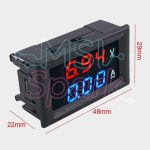
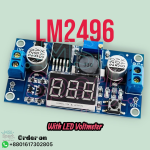
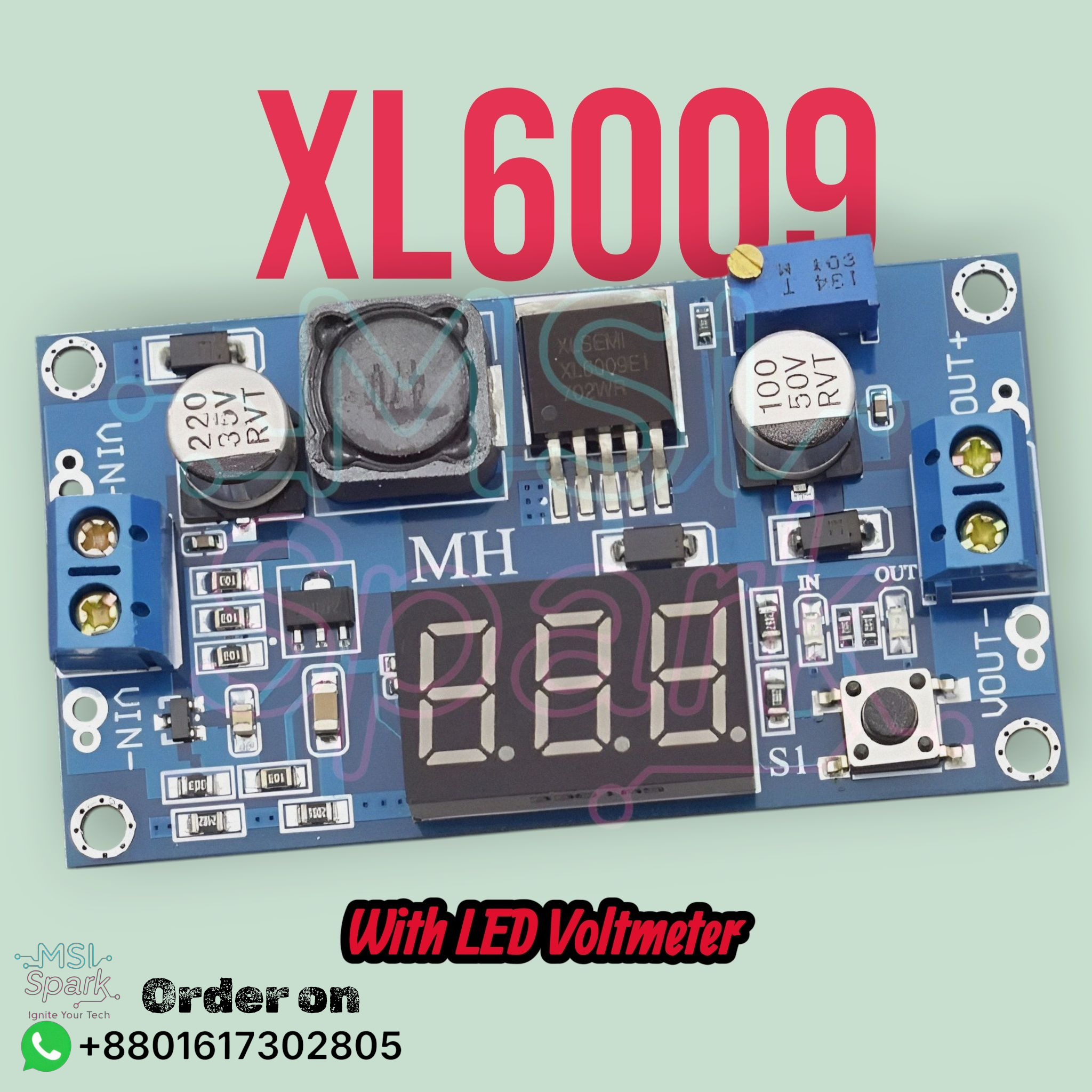

Description
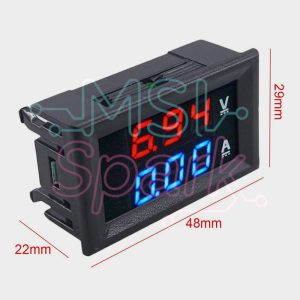
The self-calibration method of voltmeter:
1. When the voltmeter shows output voltage, long press the right button for 2 seconds, then release, voltmeter and “OUT” LED flash in synchronization. Now the voltmeter enters into output voltage calibration mode. Similarly, when the voltmeter shows input voltage, long press the right button for 2 seconds, then release, voltmeter and “IN” LED flash in synchronization, now the voltmeter enters into input voltage calibration mode.
2. Touch the right button, the voltage rises a unit; Touch the left button, the voltage drops a unit. Due to a unit is less than 0.1 V, so you need to continuously press 5 times to see that the voltmeter changes 0.1 V.
3. After calibration, long press the right button for 2 seconds, then release. Now the voltmeter exits the voltage calibration mode. All the parameters will be saved automatically.
Note: Once calibrate the voltmeter, you can get the accurate voltage value on the whole voltage range.
Package Including:
1pcs XL6009 Module with Digital Display

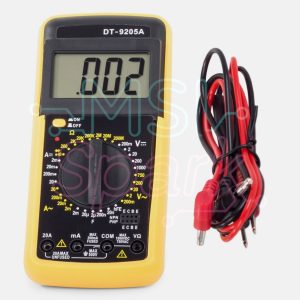
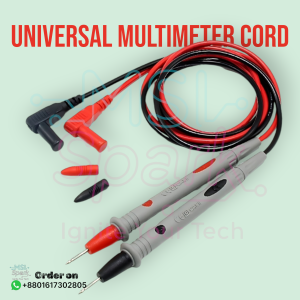 Universal 1000V 10A Needle Multimeter Test Probe
 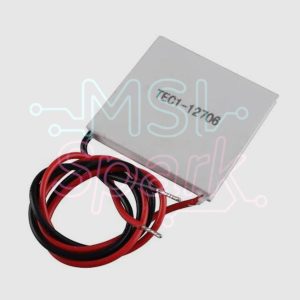 Tec1-12706 Thermoelectric Cooler Peltier 12V 6A Semiconductor Cooler Plate
  HC-SR501 PIR Motion Sensor
Reviews
There are no reviews yet.